Platform Services
What You Get Inside oBizee
Each service solves a real problem Indian merchants face every day.
Step-Wise Screens and Data Flow
Real oBizee app snapshots, shown as a guided feature journey so users understand the full workflow clearly.
Add Category and Products
Start with a clean catalog so customers can order correctly from day one.
- Create product categories based on your business type
- Add products with pricing, stock, and variant details
- Keep inventory setup structured before sharing to customers
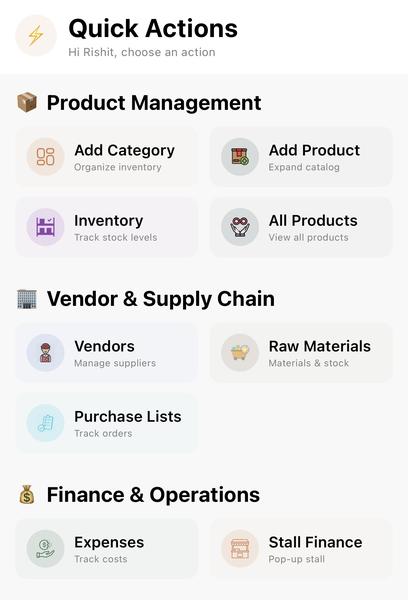
Quick Actions
Choose Add Category or Add Product from one dashboard.
Snapshot 1 of 4
Customize Your Form
Configure required and optional fields according to your exact business process.
- Collect only relevant customer details
- Set required vs optional form inputs
- Reduce order mistakes with standardized data capture
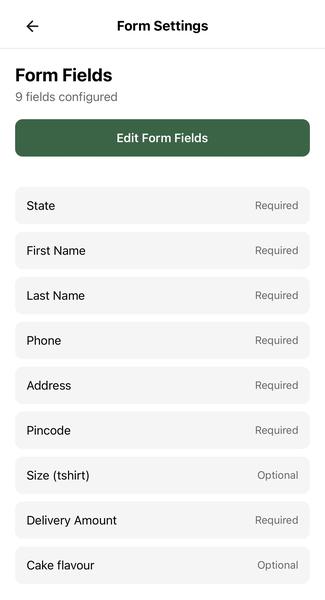
Form Fields
Mark required and optional fields for customer orders.
Snapshot 1 of 3
Share Form and Manage Orders
Share your form instantly and manage incoming orders from one compact operations view.
- Copy and share the form link in one tap
- Track New, In Progress, and Completed order states
- Operate daily order flow without chat-based confusion
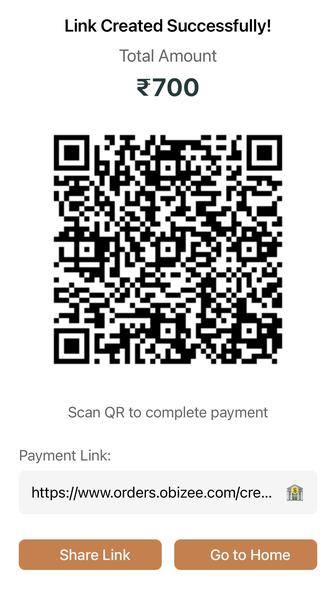
Form Ready
Share QR/payment link instantly with customers.
Snapshot 1 of 3
Setup Logistics with DTDC, Delhivery, Amazon Shipping
Connect logistics partners and route every order through a reliable shipping workflow.
- Switch between partners by order needs
- Track pending, in-progress, completed, and priority buckets
- Move from manual shipping follow-up to systemized dispatch
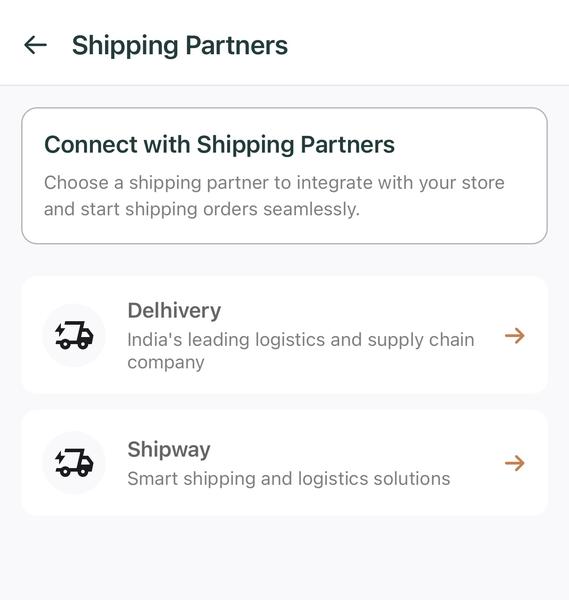
Shipping Partners
Connect logistics providers for dispatch workflows.
Snapshot 1 of 3
Manage AWB, Pickup, Cancellation, and Delivery
Control shipping execution from AWB generation to pickup and delivery updates.
- Generate AWB directly from order details
- Track payment, shipment, and cancellation status in one screen
- Share tracking links with customers from inside the app
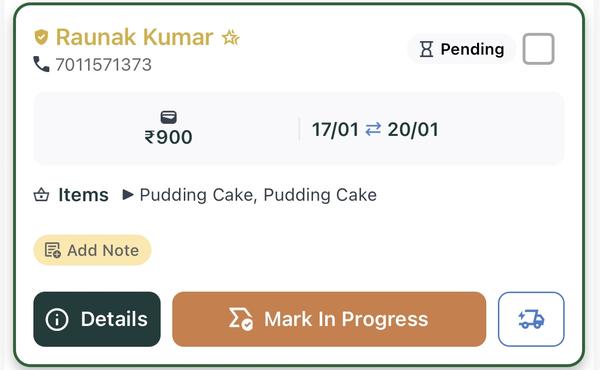
Order Detail Actions
Review amount, timeline, and execution state in one card.
Snapshot 1 of 3
Check Financial Overview
Use daily, weekly, and monthly snapshots to monitor revenue, expenses, and profits.
- View business totals with period filters
- Track categories, product count, and top sellers
- Make clearer decisions using actual business data
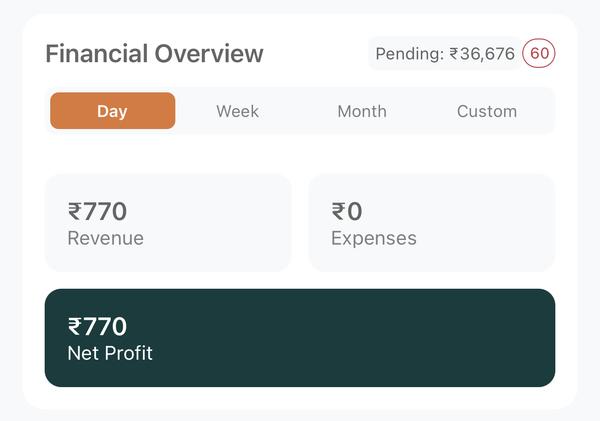
Financial Overview
Track revenue, expenses, and net profit by period.
Snapshot 1 of 3
Manage Employees and Vendors
Keep profile, owner, vendor, and team settings centralized for smoother operations.
- Update business and owner information from one profile
- Manage payment and form settings for your workflow
- Run teams and vendors with better accountability
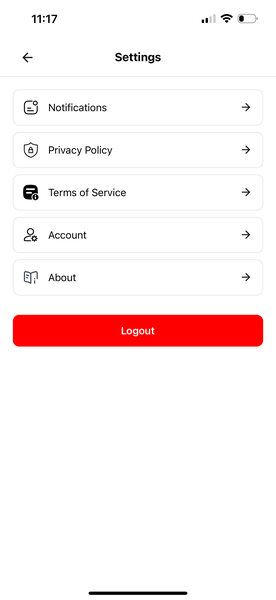
Settings Center
Manage account, policy, and app preferences.
Snapshot 1 of 3