If you sell products on Instagram, WhatsApp, or from home, you have probably thought about creating your own online store. But then reality hits: platforms like Shopify charge thousands per month, building a website from scratch requires a developer, and marketplaces like Amazon take a huge cut from every sale.
What if you could set up a fully functional online store in under five minutes, without spending a single rupee upfront? That is exactly what oBizee lets you do. No coding knowledge, no monthly subscription, and no technical skills required. Just your phone and your products.
oBizee is a mobile-first platform, which means you set up and manage everything from your phone. Head to the App Store (iPhone) or Google Play Store (Android) and search for "oBizee."
When you open oBizee for the first time, you will be asked to create an account. You need to provide:
- Your business name — this becomes the name of your online store
- Your name — so customers know who they are buying from
- Phone number and email — for verification and order notifications
- Instagram or social media link — optional, but helpful for customers
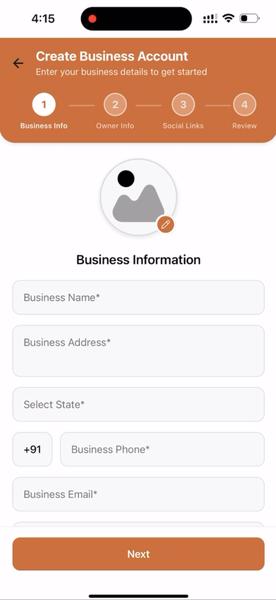
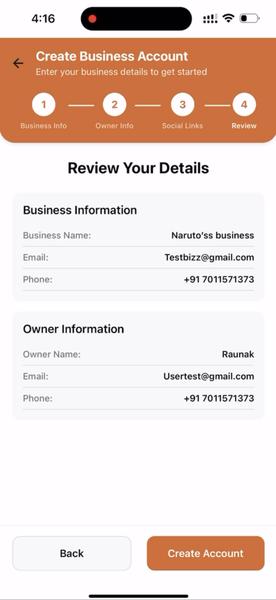
Once you fill in these details, your account is ready. oBizee automatically generates a unique store link — something like yourbrand.obizee.com.
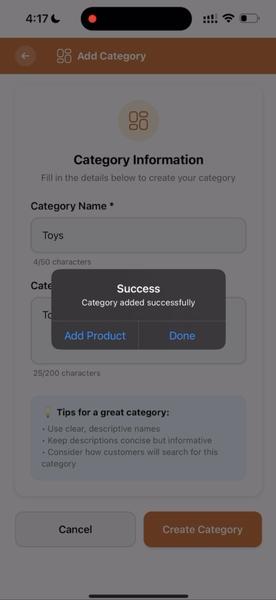
Now comes the part where your store starts taking shape. Tap on the option to add a category — this helps organize your products. For example, if you sell handmade jewellery, your categories might be "Earrings," "Necklaces," and "Bracelets."
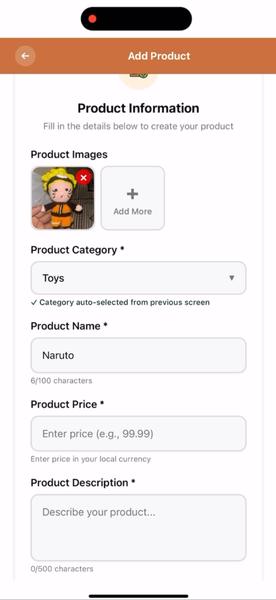
Inside each category, add individual products with:
- Product name and description
- Price (in INR)
- Product images — upload directly from your phone gallery
- Variants if applicable, such as size or color options
oBizee provides pre-built store templates that you can customize. Choose a template, set your brand colors, add your logo, and arrange how products appear on your storefront.
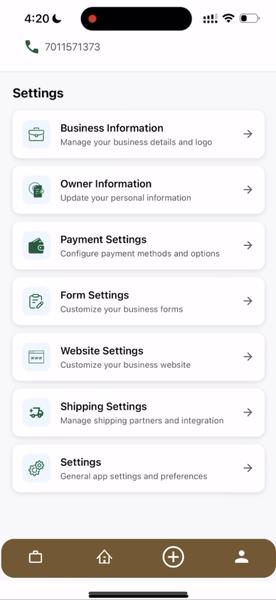
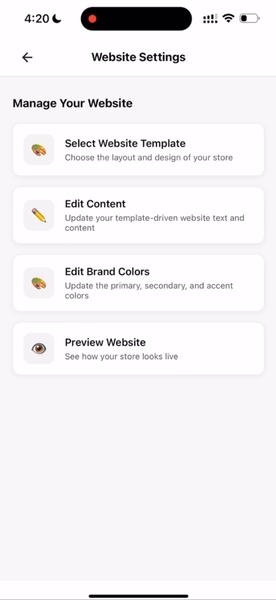
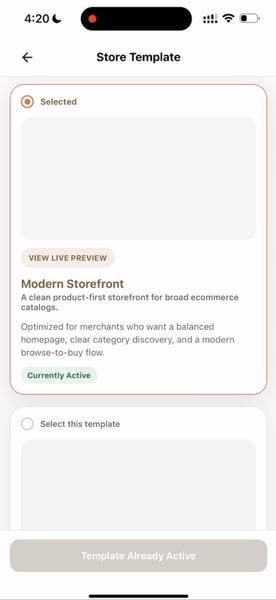
Everything happens within the app — no code, no complicated builders. Your store is automatically mobile-friendly. For the full visual walkthrough, check out our detailed store creation guide with screenshots.
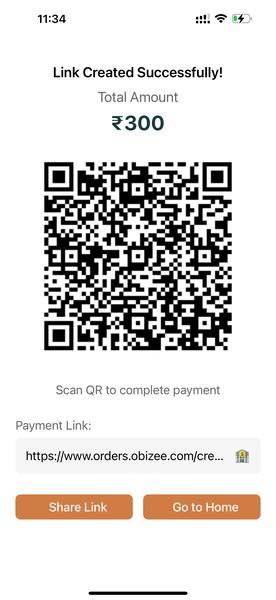
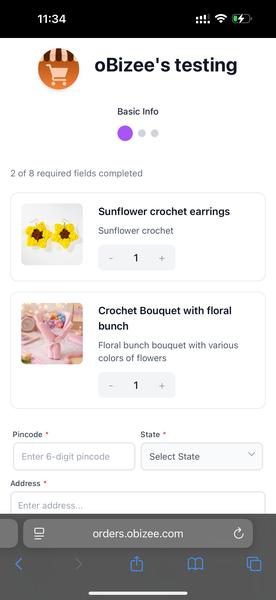
Once your products are uploaded and your store looks good, you are ready to sell. Copy your store link and share it everywhere:
- Add it to your Instagram bio
- Share it in your WhatsApp status or groups
- Post it on Facebook, Twitter, or any social platform
- Include it in your business card or marketing materials
What About Pricing?
oBizee has 0 SUBSCRIPTION and 0 SETUP FEE — see Pricing for the simple structure once you're actually selling.
Plus nothing to pay until ₹50,000 in orders — no credit card required. See full pricing →
What Happens After Setup?
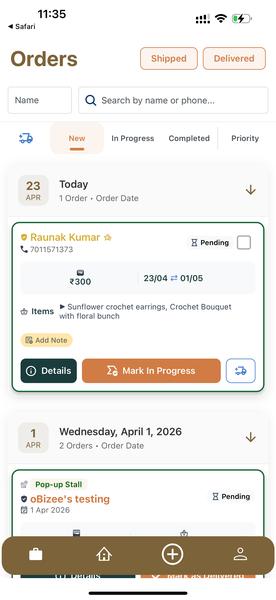
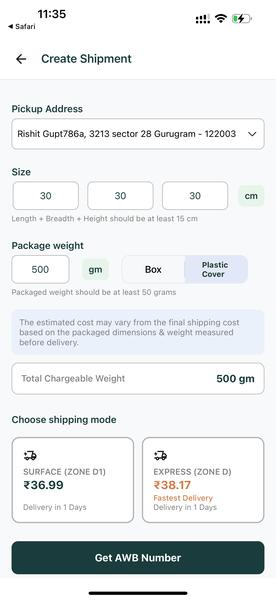
Once your store is live, oBizee becomes your business dashboard. Track orders, manage inventory, communicate with customers, and handle shipping — all from the same app. The platform integrates with Delhivery, DTDC and Blue Dart so you can generate AWB numbers, schedule pickups, and provide live tracking to customers.
Ready to Start?
Setting up your store takes less than five minutes. No complicated onboarding, no waiting for approval.
Want the full visual walkthrough? See our complete guide with screenshots. Have questions? Visit the help center.